Sale!
-75%
Description
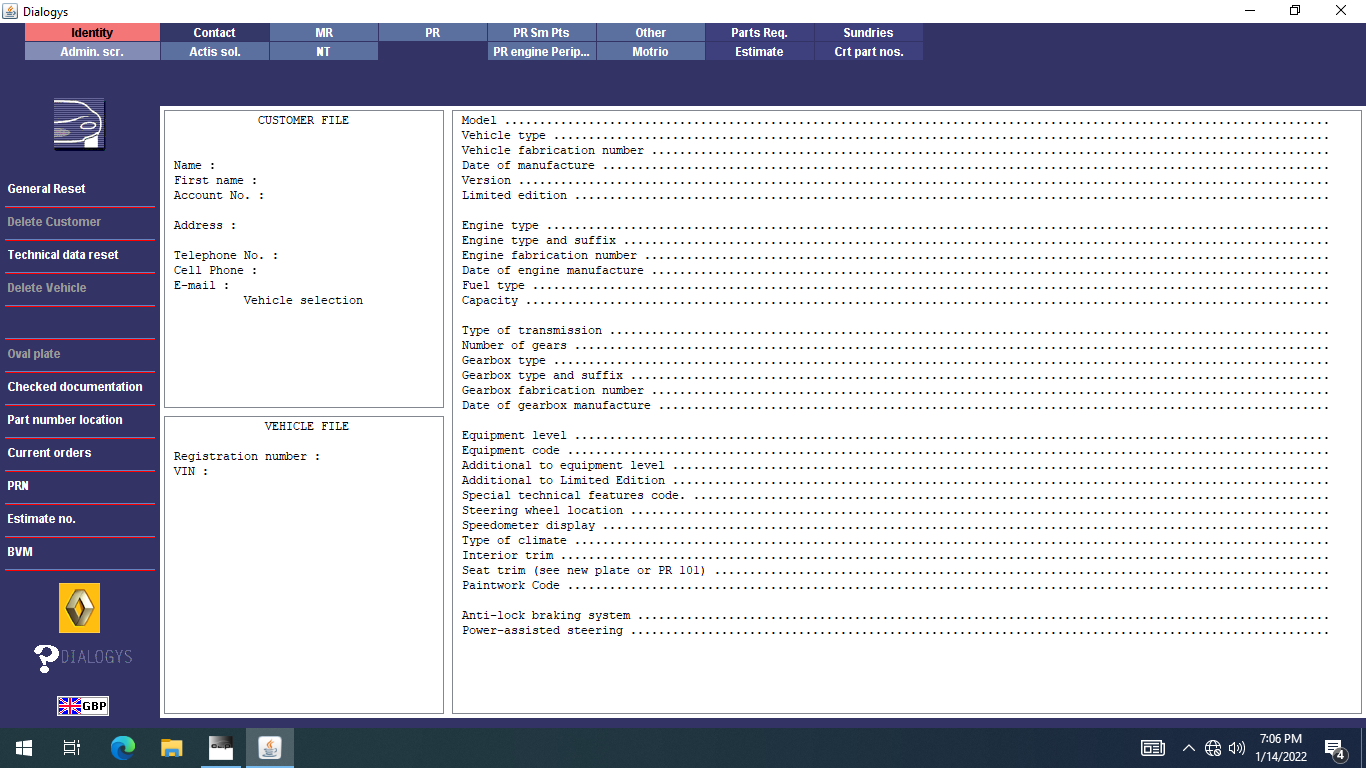
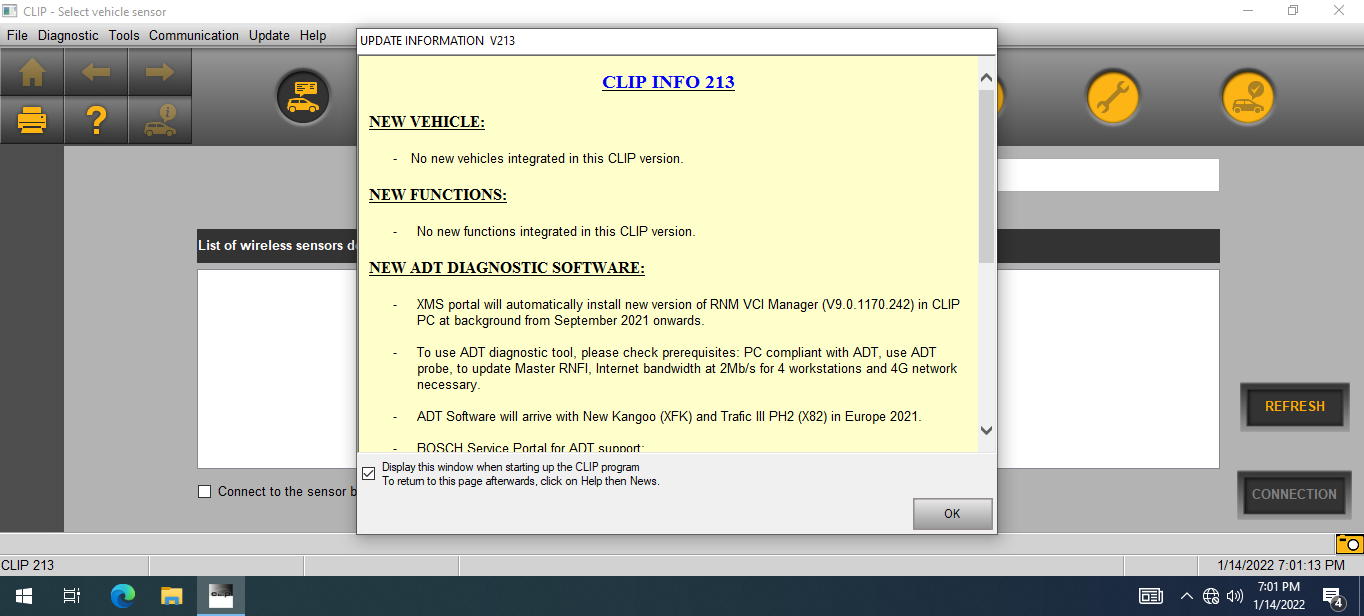
🔧 VMware CAN CLIP v224 – Official Renault & Dacia Diagnostic Software in Virtual Machine ✅
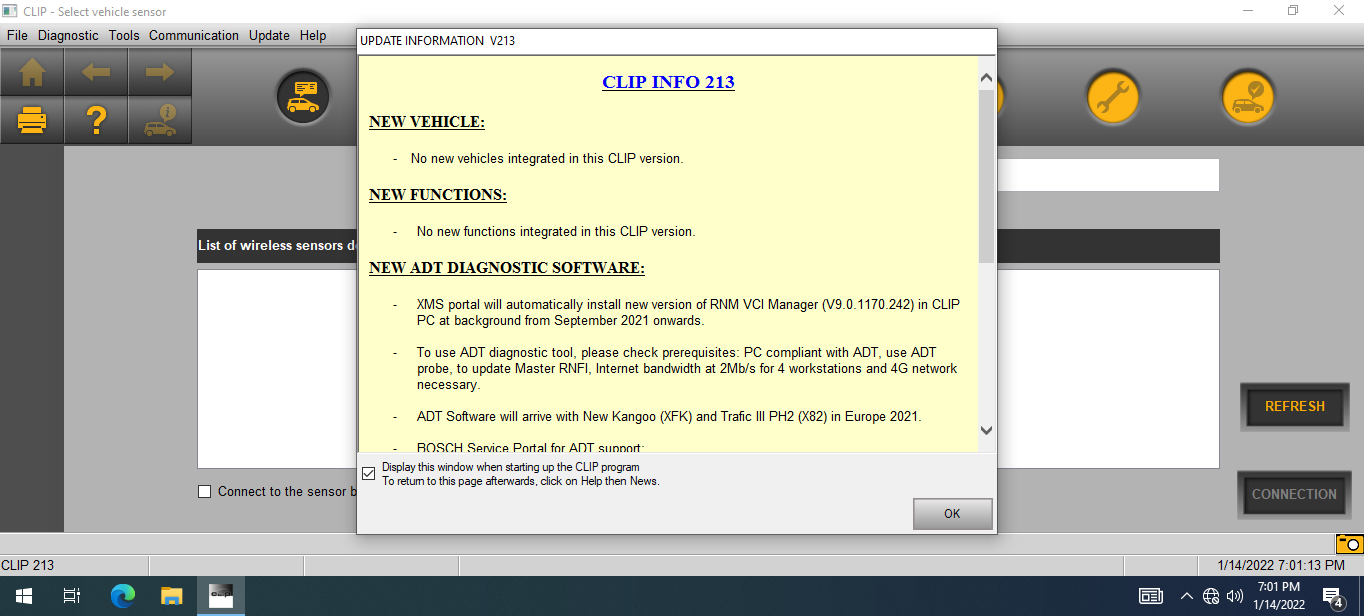
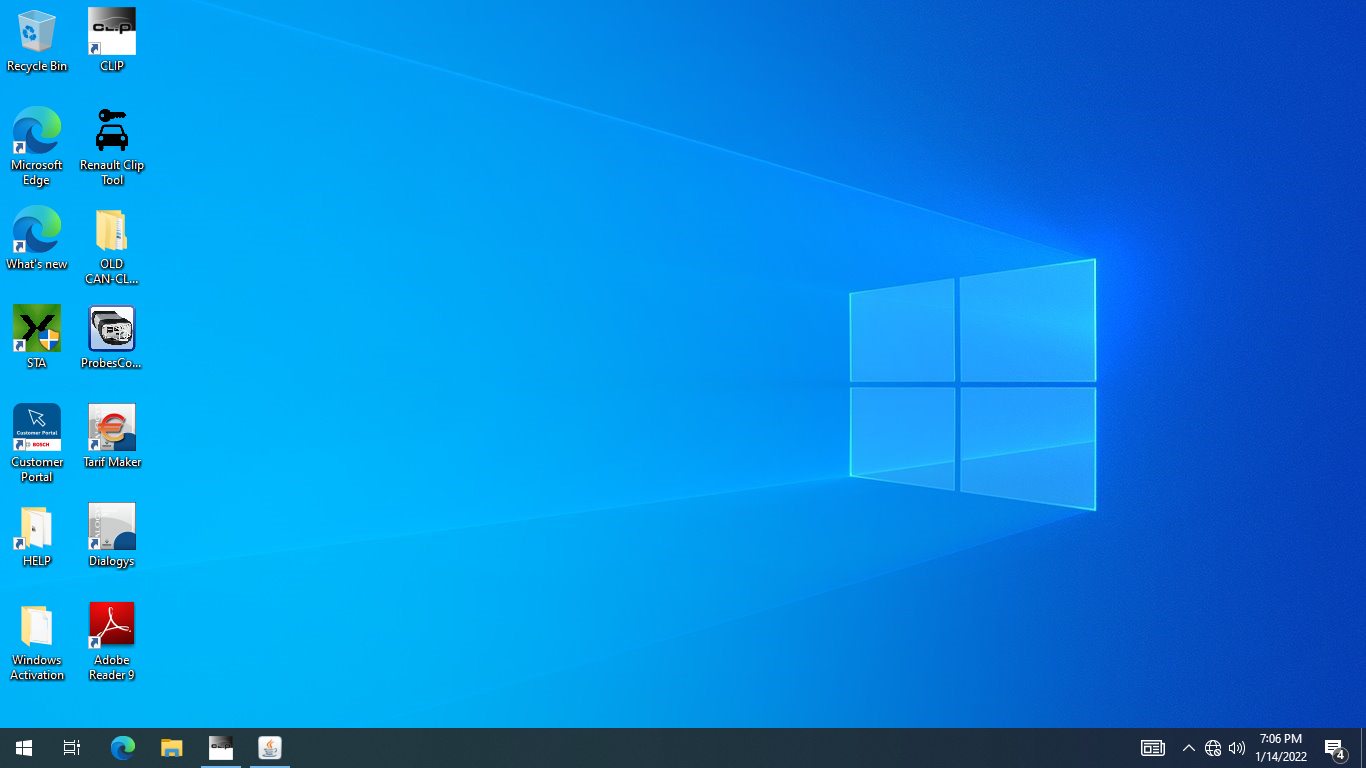
Get the latest Renault CAN CLIP v224 diagnostic software preinstalled on a clean Windows 10 Pro x86 VMware image. Perfect for Renault and Dacia vehicle diagnostics, programming, and troubleshooting — all ready to run on any VMware-compatible PC! 🚗💻
🔑 Key Features:
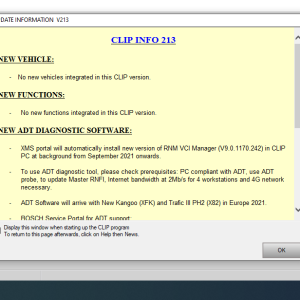
- ✅ Full Renault CAN CLIP v224 software activated for diagnostics and ECU programming
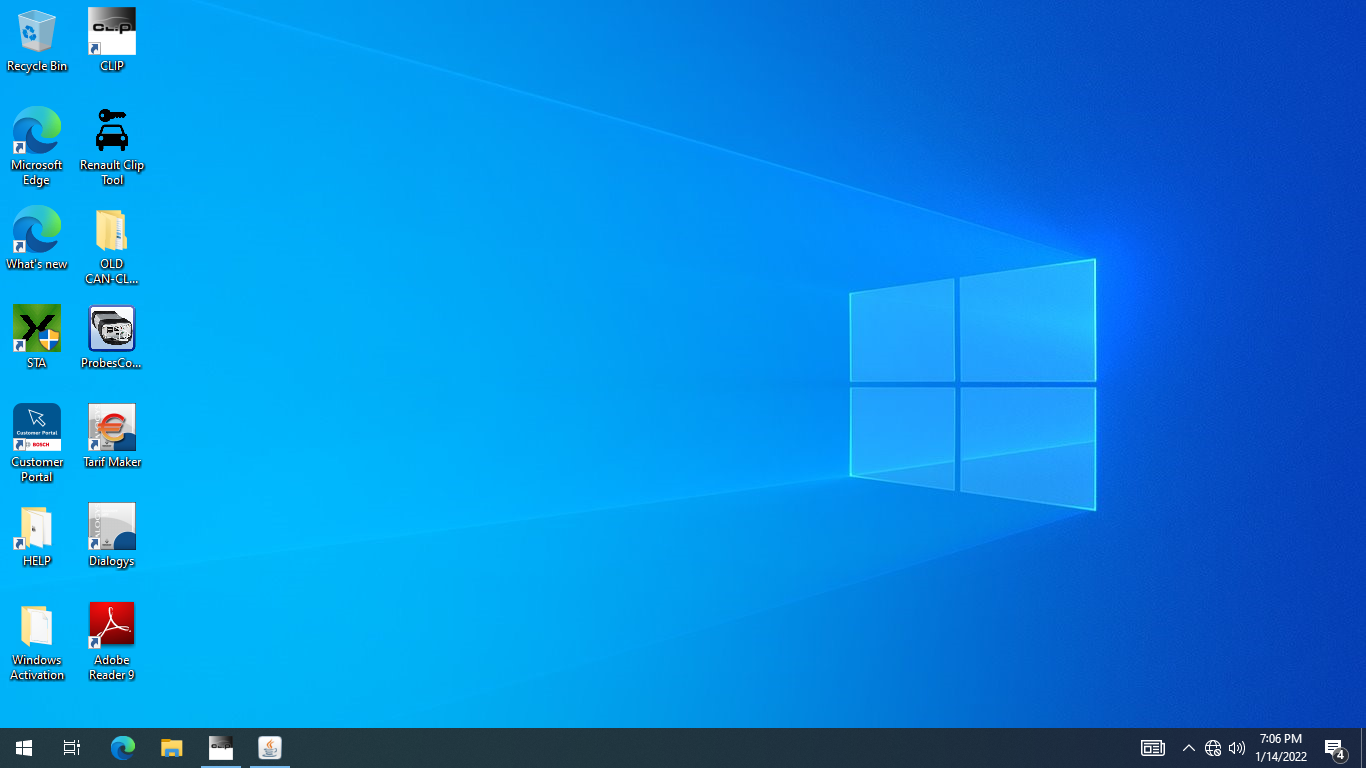
- ✅ Renault Clip Tool included (clip activation, radio pin code retrieval, and more)
- ✅ Clip Sonde Configuration for older VCI adapters with legacy drivers
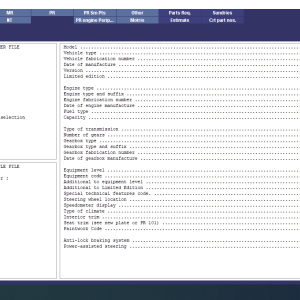
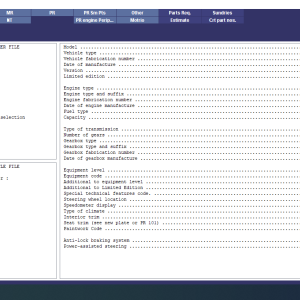
- ✅ Comprehensive diagnostics: fault code reading/clearing, live data monitoring, actuator testing
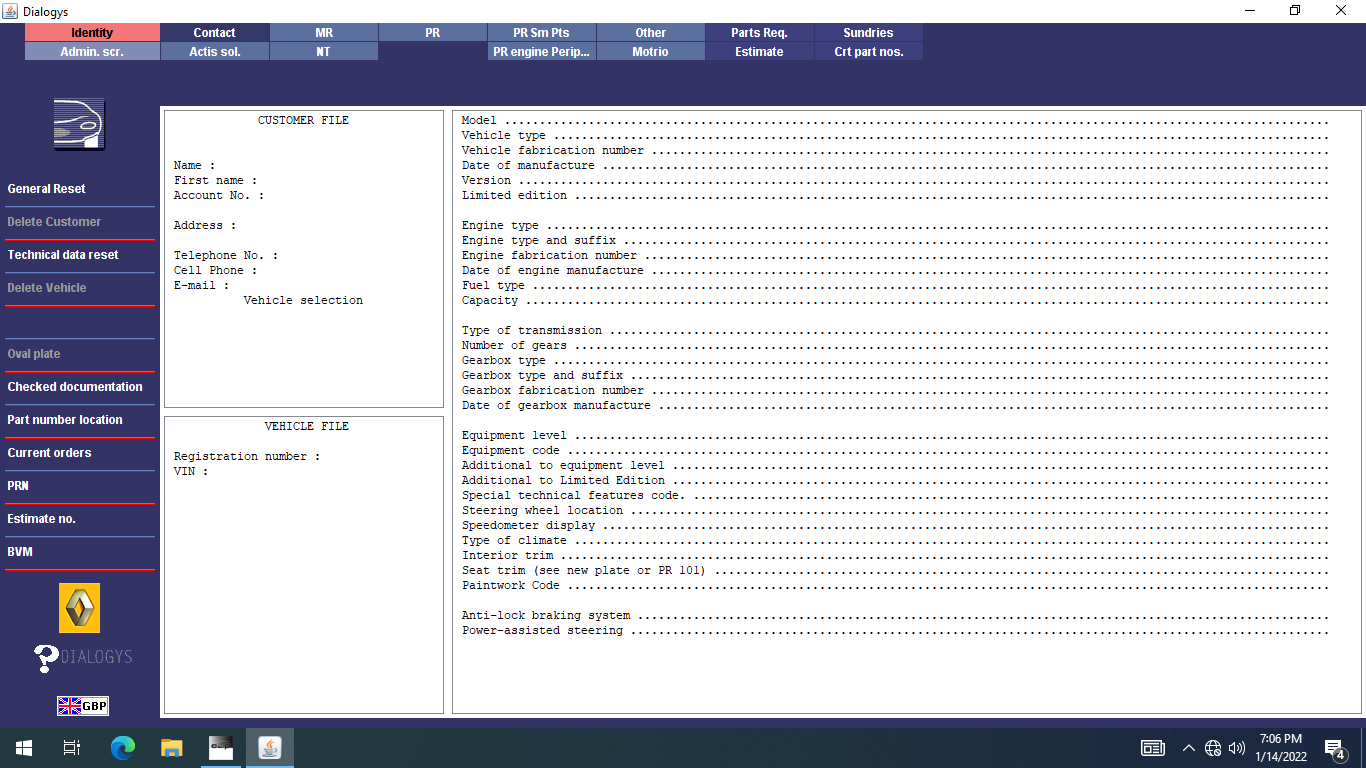
- ✅ Access to wiring diagrams, technical documentation, and repair procedures
- ✅ User-friendly interface designed for both pros and newcomers
💻 VMware Virtual Machine Benefits:
- 🔄 Easy deployment on any VMware-supported computer
- ⚙️ No complex installation needed — plug and play
- 💾 Clean Windows 10 Pro x86 image included
- 📁 Archive size: 7.5 GB
- 🌐 English language software
Why Choose VMware CAN CLIP v224?
Streamline your Renault and Dacia vehicle servicing with this ready-to-use VMware image featuring the official CAN CLIP software. Save time and costs with in-house diagnostics, ECU programming, and technical support — all in one package. 🔧🚀
Keywords: Renault CAN CLIP v224, Renault diagnostic software, Dacia diagnostic tool, ECU programming Renault, VMware virtual machine, Renault CAN CLIP activated, vehicle fault code reader, automotive repair software, clip sonde configuration
Related products